0 ratings






Item #:
67492165
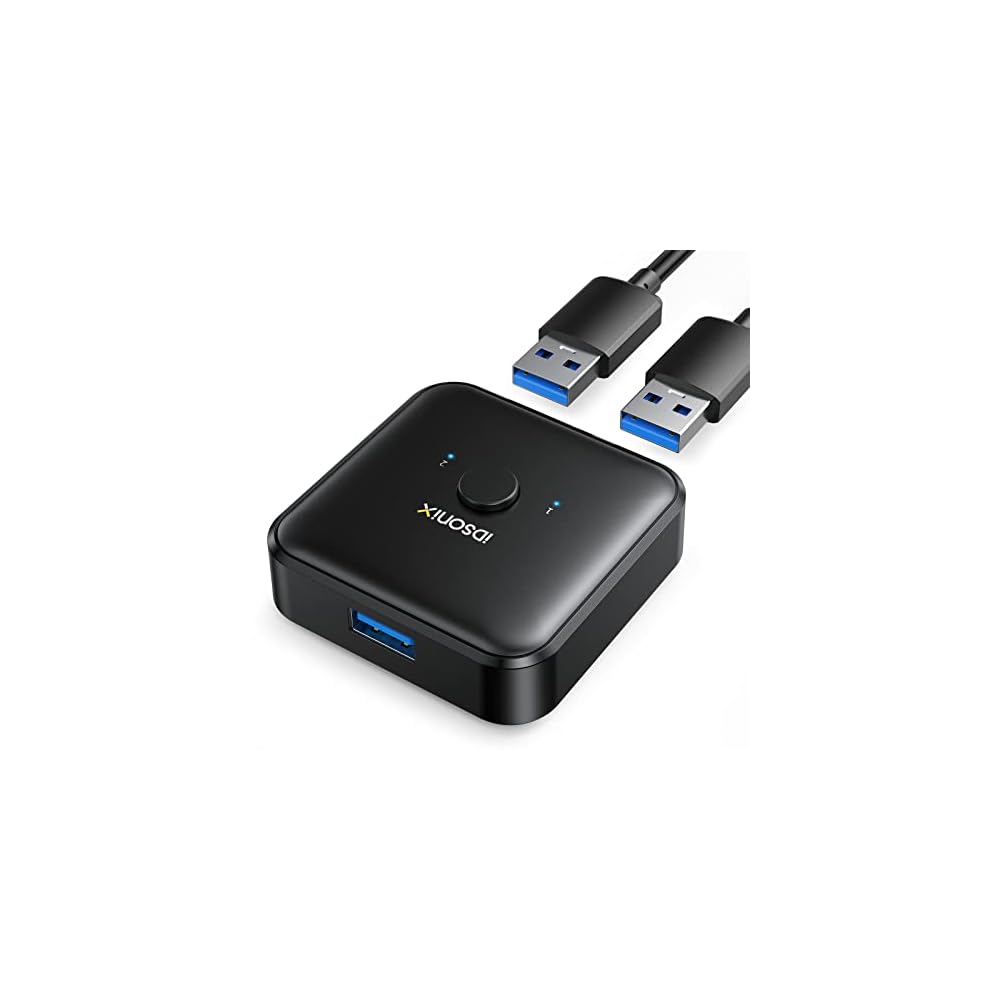
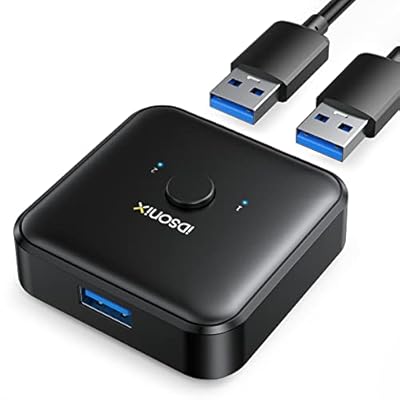
iDsonix USB 3.0 Switch 1 in 2 Out(2 in 1 Out) Bi-Directional, USB Switch 2 Computers Share 1 Device for Printer,Scanner,Keyboard, USB Sharing Switch
Item #:
67492165
MKD 1587
Price Details
Excluding Shipping & Custom charges ( Shipping and custom charges will be calculated on checkout )
*All items will import from US
In stock
 Imported from USA store
QTY:
Order now and get it around Thursday, June 25
Secured transaction
Ubuy works hard to protect your security and privacy. Our advanced payment security system ensures confidentiality by encrypting your information during transmission using AES (Advanced Encryption Standards) and SSL (Secure Socket Layer) protocols. Your payment details are 100% secure as we do not share your payment details with third party sellers.
Our Top Logistics Partners


Effortlessly share USB devices between two computers with our USB 3.0 Switch, supporting speeds up to 5Gbps!

Fast
Shipping

Free
Return*

Secure Packaging

100% Original Products

PCI DSS Compliance

ISO 27001 Certified


Note: Step Down Voltage Transformer required for using electronics products of US store (110-120). Recommended power converters Buy Now.


What Stands Out
Bi-Directional Switching
Easily switch between two computers sharing one device, simplifying access to printers and scanners without the need to plug and unplug constantly.
High-Speed USB 3.0
Leverages USB 3.0 technology for rapid data transfer speeds, ensuring efficient and smooth operation of connected devices without lag or delay.
Complete Package
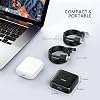
Includes two A to A 3.3ft cables, providing everything needed for immediate setup, saving time and effort while ensuring compatibility with your devices.
Product Details
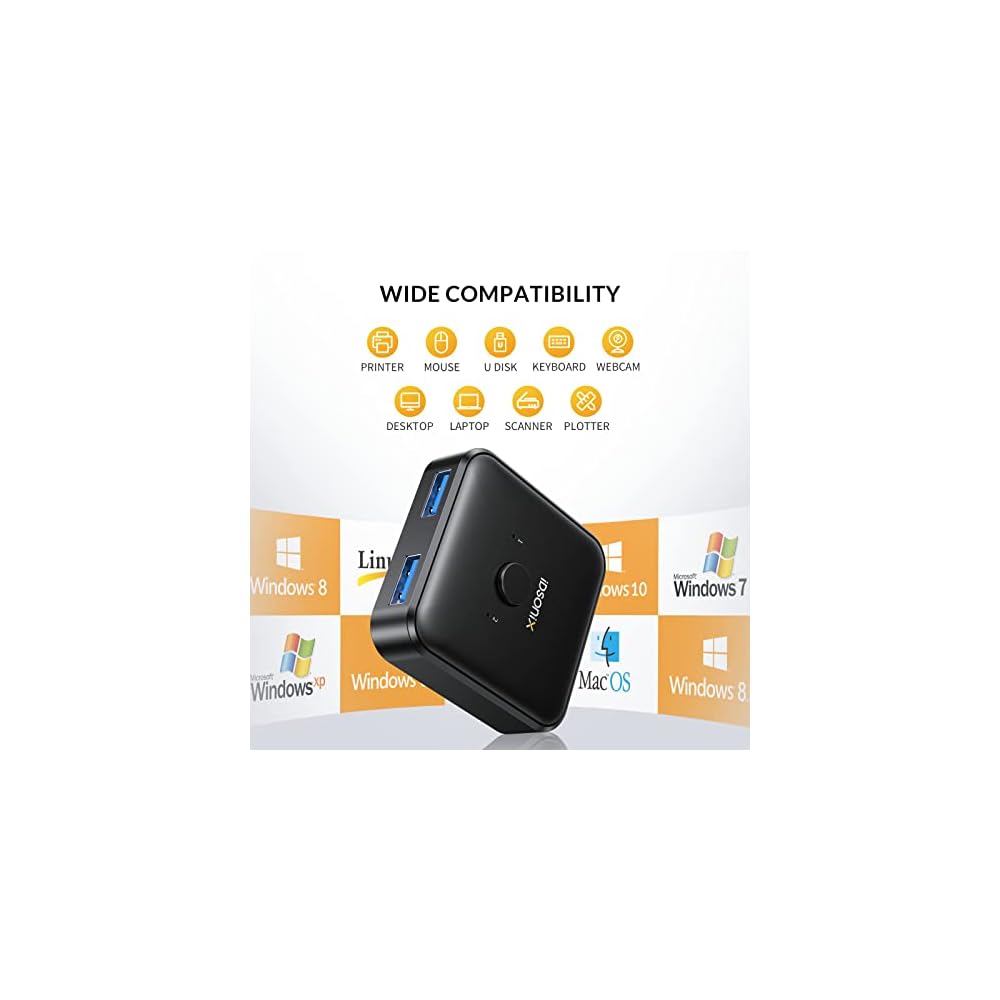
- [Better Way to Share Devices]: One click to switch connection status, this compact USB 3.0 Switcher allows you to share a USB device such as printer, scanner, mouse, keyboard, card reader, flash drive and other USB deivce between 2 computers, or even connect a USB hub so that multiple devices can be shared between 2 computers.
- [5Gbps Data Transfer]: Supports USB 3.0 data transfer at speeds up to 5Gbps and is backward compatible with USB 2.0 and USB 1.1 devices. Not recommended for switching mass storage devices such as hard drives, flash drives, memory cards, etc. We recommend connecting this USB 3.0 sharing switch to your computer using the 1m cables provided and keeping the connection to your peripherals less than 1.8m.
- [Tidier Desktop]: You can connect 2 computers with 1 keyboard or share 1 printer and switch the computer you need to use with one click, making your work more efficient and your desktop tidier.
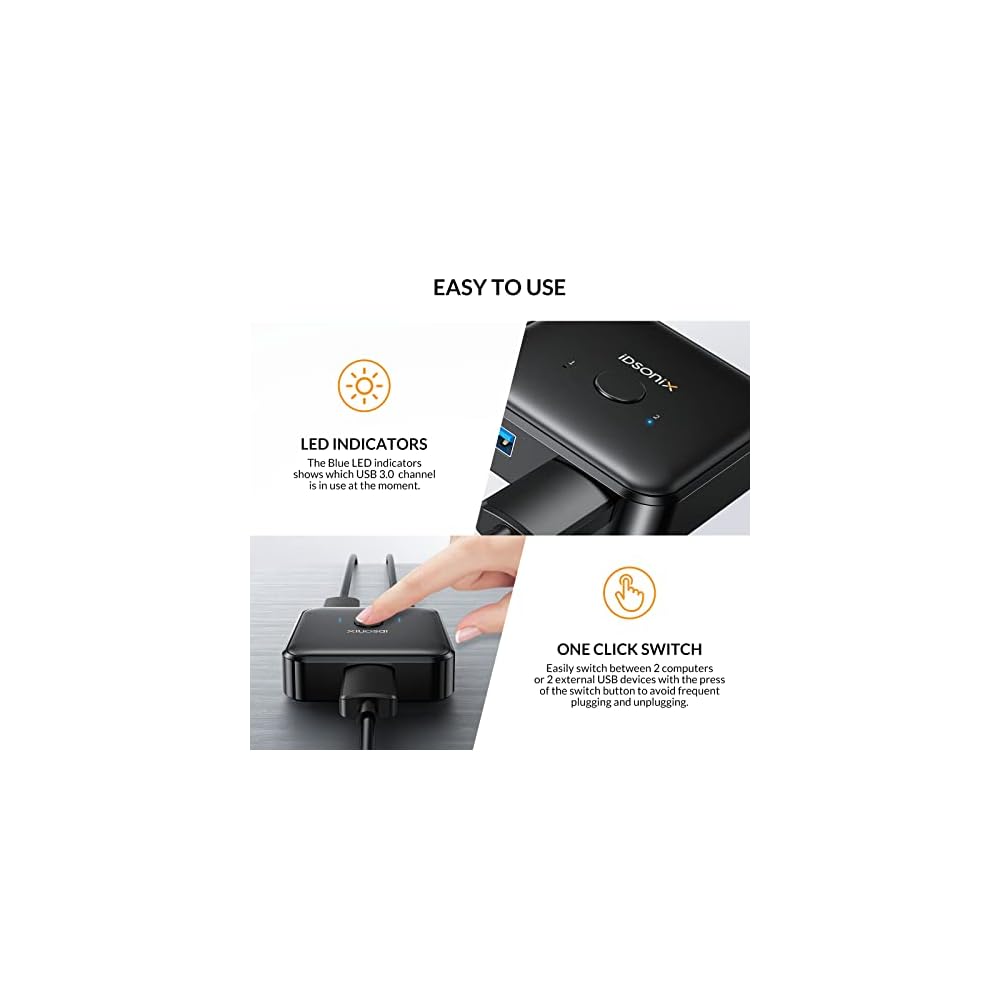
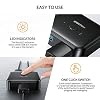
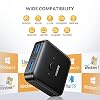
- [Easy to Use]: Our USB 3.0 switch selector is driver-free for Windows, Mac OS, Linux, plug and play, no drivers need to be installed, and LEDs show the usage status. (Note: If the connected external device requires a driver, you need to install the external driver for that device.)
| Hardware Interface | USB 3.0 |
| Additional Features | Play, Plug |
| Compatible Devices | Printers, Scanners, Keyboards, Mice, USB Memory, External Hard Drives, USB Hubs |
| Total Usb Ports | 3 |
| Data Transfer Rate | 5 Gigabits Per Second |
| Number of Ports | 2 |
| Minimum Required Operating System Version | Windows 10, Windows 7 |
| Operating System | Linux, Mac OS, Windows 10, Windows 7 |
| Color | black |
| Enclosure Material | Aluminum |
| Item Dimensions L x W x H | 2.36"L x 2.36"W x 0.59"H (6 x 6 x 1.5 cm) |
| Item Weight | 0.02 Pounds (10 grams) |
| Brand | iDsonix |
| Manufacturer | iDsonix TRADING CO.,LIMITED |
| UPC | 724164916723 |
| Mfr Part Number | U3S01 |
| Model Number | U3S01-1 |
| Unit Count | 3.0 Count |
| Special Feature | Play, Plug |
Who Should Buy?

-
Office Users
Ideal for professionals needing to share printers or scanners between multiple computers efficiently.
-
Home Setups
Perfect for families wanting to connect various USB devices to different home computers without constant re-plugging.
-
Tech Enthusiasts
Great for gadget lovers who frequently switch between devices, simplifying the connection of USB peripherals.

-
Game Console Users
Not suitable for users wanting to share gaming consoles, as it is designed for USB peripherals only.
-
Streaming Professionals
Not the best choice for streamers who require high-speed dedicated connections without interruptions or switching delays.
-
Heavy Data Users
May not be ideal for users transferring large files regularly, as potential speed limitations exist with USB switching.
Product Description
Have any Query? Chat with us
Customer Questions & Answers
-
Question:
What devices can I connect to the iDsonix USB 3.0 Switch?
Answer: The iDsonix USB 3.0 Switch is versatile and can connect various devices such as printers, scanners, and keyboards. This allows you to easily switch between two computers sharing a single peripheral without needing to unplug and replug the cables. The switch supports USB 3.0 speeds, guaranteeing fast data transfer, which is ideal for tasks that require quick responses, like printing or scanning high-resolution images. -
Question:
How do I use the iDsonix USB Switch?
Answer: Using the iDsonix USB Switch is straightforward. Simply connect the USB devices you want to share, such as a printer or keyboard, to the switch. Then, connect the switch to your two computers using the provided A to A cables. With the push of a button, you can toggle between computers, making it perfect for home or office use where multitasking is key. -
Question:
Is the iDsonix switch compatible with USB 2.0 devices?
Answer: Yes, the iDsonix USB 3.0 Switch is backward compatible with USB 2.0 devices. This means you can connect older peripherals and still benefit from the switch's functionality. This compatibility ensures that both legacy and newer USB devices can be easily shared between computers, making it a valuable tool for any setup. -
Question:
Can I connect more than two computers to the iDsonix USB Switch?
Answer: No, the iDsonix USB 3.0 Switch is designed for bi-directional use with two computers and one shared device. If you need to connect more computers, consider using multiple switches or looking for a more complex USB hub solution. This design simplifies the connection process, focusing on seamless switching between just two systems, which is perfect for users needing straightforward functionality without complications. -
Question:
What is the length of the included cables?
Answer: The iDsonix USB Switch comes with two 3.3-foot A to A cables. This length provides ample reach for most setups, whether in an office or a home environment. The cables ensure that you can easily position devices and computers without needing extension cords, promoting a cleaner and more organized workspace. -
Question:
Is there any software required to operate the iDsonix USB Switch?
Answer: No software is required to operate the iDsonix USB 3.0 Switch. It is a plug-and-play device, meaning you can set it up easily without needing specialized drivers or software installations. This is particularly beneficial for users looking for a hassle-free setup for sharing devices efficiently, ensuring you can start using it right away. -
Question:
Does the iDsonix USB Switch support high-speed data transfer?
Answer: Yes, the iDsonix USB Switch supports USB 3.0 data transfer speeds, making it capable of transferring large files and data quickly and efficiently. This high-speed capability is crucial when dealing with tasks such as printing high-quality documents or transferring sizable image files, enhancing productivity and reducing wait times. -
Question:
Can the iDsonix USB Switch be used with both Windows and Mac systems?
Answer: Absolutely! The iDsonix USB 3.0 Switch is compatible with both Windows and Mac operating systems. This dual compatibility makes it an excellent choice for mixed-environment offices or homes, allowing users to connect computers across different platforms while efficiently sharing USB devices. -
Question:
What is bi-directional switching in the iDsonix USB Switch?
Answer: Bi-directional switching means that you can connect either of the two computers to the shared device at any time without needing to change the wiring. This feature simplifies the process of using shared devices in multi-computer environments, making it easier to switch between tasks seamlessly, ideal for setups where different users might need access to the same printer or scanner. -
Question:
Where can I buy the iDsonix USB 3.0 Switch in North Macedonia?
Answer: You can purchase the iDsonix USB 3.0 Switch from Ubuy in North Macedonia. Ubuy offers a wide range of electronic devices and accessories, ensuring you can find the iDsonix switch conveniently, along with additional options that suit your tech needs.
iDsonix KVM Switches U3S01-1 Editorial Review


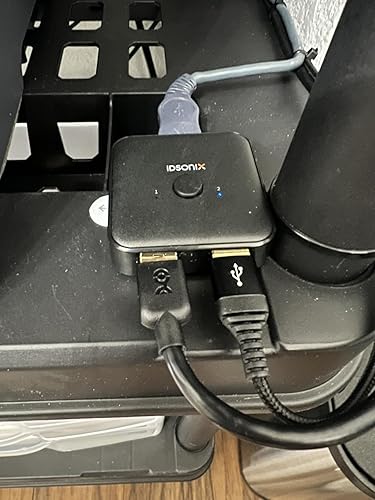

The iDsonix USB 3.0 Switch Selector is a bi-directional switch that allows two computers to share one device, such as a printer, scanner, or keyboard. The switch comes with two USB cables and a user manual. The switch operates well with two computers and is usable for docking stations. One button switches between computers, and two LEDs indicate which computer is in use. The switch is a simple, good quality device with smooth operation, but some users experienced erratic use on one connection. This device solves the problem of switching cables all the time and keyboard is ready for use when switched. It can be used for teleworking with ease and remains durable in daily use.
Customer Reviews & Ratings
556 customers ratings
-
5 Star
74%
-
4 Star
11%
-
3 Star
5%
-
2 Star
3%
-
1 Star
7%
Review this product
Share your thoughts with other customers
Pros
- Bi-directional switch
- Useful in teleworking
- Simple to use with one button operation
- Good build quality
- Instantaneous switching
- Two LEDs indicate which computer is in use
Cons
- Erratic use experienced on one connection
Product Price History
Important information
- Limitations : For products shipped internationally, please note that any manufacturer warranty may not be valid; manufacturer service options may not be available; product manuals, instructions, and safety warnings may not be in destination country languages; the products (and accompanying materials) may not be designed in accordance with destination country standards, specifications, and labeling requirements; and the products may not conform to destination country voltage and other electrical standards (requiring use of an adapter or converter if appropriate). The recipient is responsible for assuring that the product can be lawfully imported to the destination country. When ordering from Ubuy or its affiliates, the recipient is the importer of record and must comply with all laws and regulations of the destination country.
- Not all the products listed on Ubuy are for sale, as Ubuy is a global search engine. Products are subject to export/trade regulations.
MKD 1587
Order now and get it around Thursday, June 25
This item is not restrict in my country.(Please click on above link if this item is not restrict in your country, So our team will review and allow.)
QTY:
Secured transaction
Ubuy works hard to protect your security and privacy. Our advanced payment security system ensures confidentiality by encrypting your information during transmission using AES (Advanced Encryption Standards) and SSL (Secure Socket Layer) protocols. Your payment details are 100% secure as we do not share your payment details with third party sellers.
Our Top Logistics Partners
Fastest cross-border delivery
Features & Benefits
- Bi-directional USB switch for sharing devices between two computers.
- Supports USB 3.0 with transmission speeds up to 5Gbps, reducing delays.
- Plug and play compatibility with Windows, Linux, and Mac OS.
- Works with Carplay and Android Auto for mobile device switching.
- LED indicator and mechanical buttons for easy operation.
- Cleaner desktop setup by eliminating the need for a second keyboard.